
Do you have two of the same patient in your 3Shape Trios Software? Here is the instructions to merge the cases together under the same patient
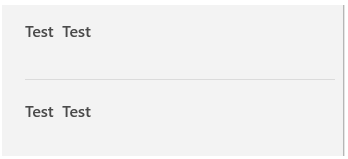
Find the patient
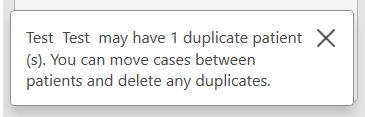
If there are two patients with the same name- this warning will pop up at the bottom of the screen
Open on of the duplicate patients, click on the first case
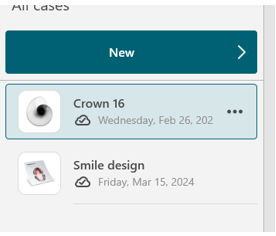
Three dots will appear on the right side of the case name

Click on the 3 dots and these options will appear
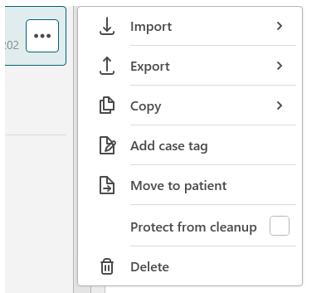
Search for the duplicate patient
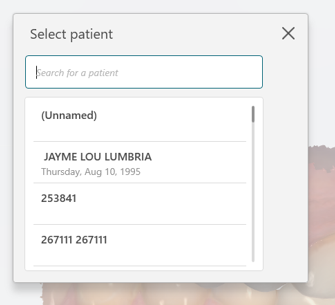
Select the duplicate patient (the patient you are currently hoping to move, will appear in a light shaded format)
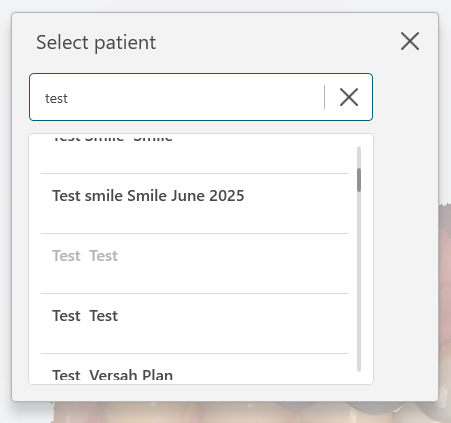
Move the case to the correct patient
Any scanner questions about any IOS feel free to reach out to Christien Kopas anytime at 778-215-4575 or email chris@schelldental.ca